Enterprise browser & Industrial browser
THE BROW
Enterprise Browser for Industrial Devices
Transform any data entry mobile terminal into a reliable tool for your business. THE BROW is software dedicated to displaying web interfaces on data entry mobile terminals. Compatible with all devices and manufacturer-independent, it automates processes in warehouses, production, and logistics.
At a glance
- Display of web interfaces in operational environments (warehouse, production, logistics)
- Kiosk mode and launcher mode with a restricted application list
- Support for legacy systems, including SAP
- Direct hardware integration via a single JavaScript API
- Compatible with all Android devices, with no manufacturer dependency
Universality: works on any equipment
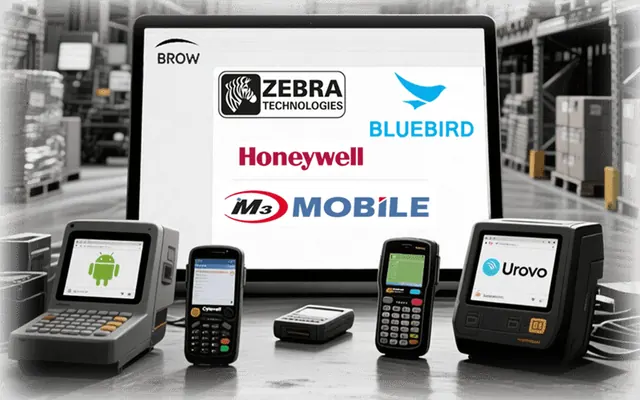
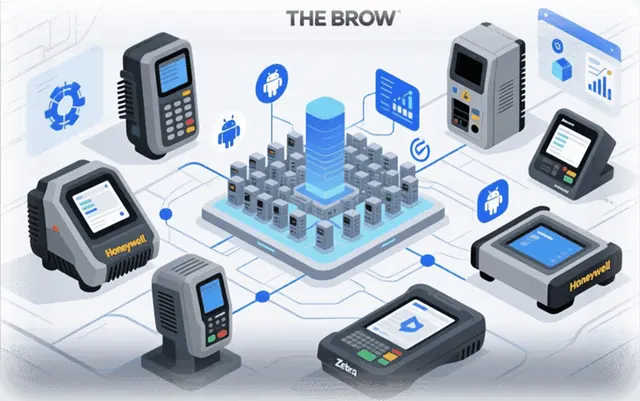
THE BROW supports all popular data capture terminals: Zebra, Honeywell, CipherLab, Datalogic, Urovo, M3 Mobile, PointMobile, Bluebird, and others. It works on all Android devices regardless of manufacturer, on both recent and legacy devices.
- Easy to deploy on a large scale: hundreds or even thousands of devices.
Benefit: you can replace or modernize your fleet without changing your applications; they will continue to work without any adaptation.
Compatibility with industrial browsers
THE BROW integrates the features of well-known enterprise solutions:
- Zebra Enterprise Browser
- Honeywell EDA Browser
- Wavelink (Ivanti) Terminal Emulator
While enhancing their capabilities:
- Advanced configuration of page behavior
- Improved stability and control
- Direct access to hardware via a single API
Benefit: migration without modifying existing web applications or requiring additional staff training.
Kiosk mode and launcher
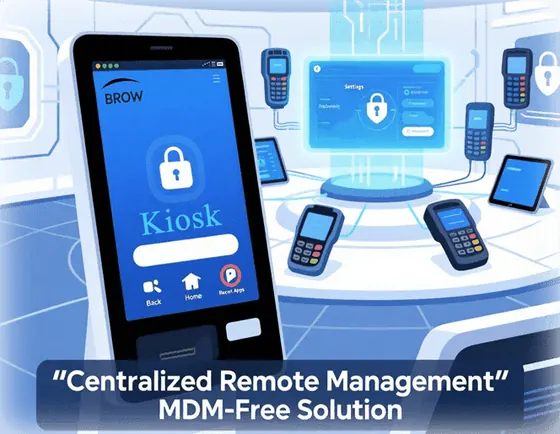
THE BROW includes a native kiosk mode: no need for a third-party MDM system.
Kiosk mode
- System button blocking (back, home, recent)
- Automatic startup on power-up
- Customization of the status bar and notifications
- Protection against accidental application exits, even after reboot
Launcher mode
The list of applications available to the user is limited to those you allow.
Benefit: no need for a third-party MDM solution to lock down the terminal.
Enterprise browser for SAP interfaces and legacy systems
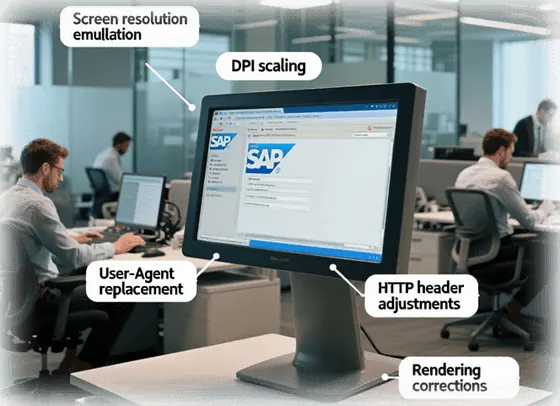
THE BROW ensures the correct display of web pages designed for specific TSD models or outdated browsers.
- Screen resolution and DPI emulation
- Automatic content zooming
- User-Agent and HTTP header tampering
- Rendering correction for compatibility
Benefit: older SAP modules work on newer devices without server-side modifications.
Differences from standard browsers
Conventional browsers (including those built into Android) are not suitable for industrial use. THE BROW is a specialized solution for professional environments.
- Flexible web page display settings
- Support for legacy HTML and JavaScript (including those not supported by modern engines)
- Loading of custom JS or CSS scripts and elements into pages
- Easy positioning of interface elements
Benefit: full compatibility with legacy systems and adaptability to specific needs.
Hardware access and barcode scanning via JavaScript API
THE BROW allows web applications to directly access hardware functions via a unified JavaScript API.
- Barcode scanning straight into the browser: scanned data is passed to the web page with no intermediate app
- Barcode and RFID reading via the built-in scanner or camera
- Use of the camera, vibration, sound, and navigation buttons
- Receiving scanner data via broadcast messages or intents (standard Android mechanisms)
API features:
- Single, manufacturer-independent interface
- No need to integrate proprietary SDKs
Benefit: the same web application code works on all devices, regardless of manufacturer.
Web applications with native functionality
THE BROW allows you to create web applications with functionality similar to native applications.
- Offline operation with subsequent synchronization
- Local data storage (localStorage, IndexedDB, etc.)
- Push notification support
- Centralized updates: no need to reinstall on devices
Benefit: code updates are performed server-side. All devices receive the changes on the next startup.
Licenses, languages and quick configuration
- License management: if a terminal goes in for repair and its motherboard is replaced, the license can be revoked and registered on the new device.
- Multiple interface languages: English, French and Russian.
- Easy element positioning: convenient adjustment of the position of interface elements.
- Settings via QR code: settings can be exported as a QR code and applied in seconds on another device.
Frequently asked questions
Which terminals does THE BROW run on?
On all Android devices regardless of manufacturer: Zebra, Honeywell, CipherLab, Datalogic, Urovo, M3 Mobile, PointMobile, Bluebird and others, including legacy models.
Do I need an MDM system for kiosk mode?
No. THE BROW includes a native kiosk mode and a launcher mode with a restricted application list, with no third-party MDM.
What happens to the license if the terminal's motherboard is replaced?
The license can be revoked and registered on the new device.
Can I scan barcodes straight into the browser?
Yes. Data from the built-in scanner or camera is passed to the web page through the JavaScript API, with no intermediate app.
How do I configure several devices quickly?
Settings can be exported as a QR code and applied in seconds on another device. THE BROW is available in English, French and Russian.